
24K Magic
Turn one person photo into a vertical dance video with the official SeeAPI 24K Magic template. Each 720p generation costs 100 website credits.
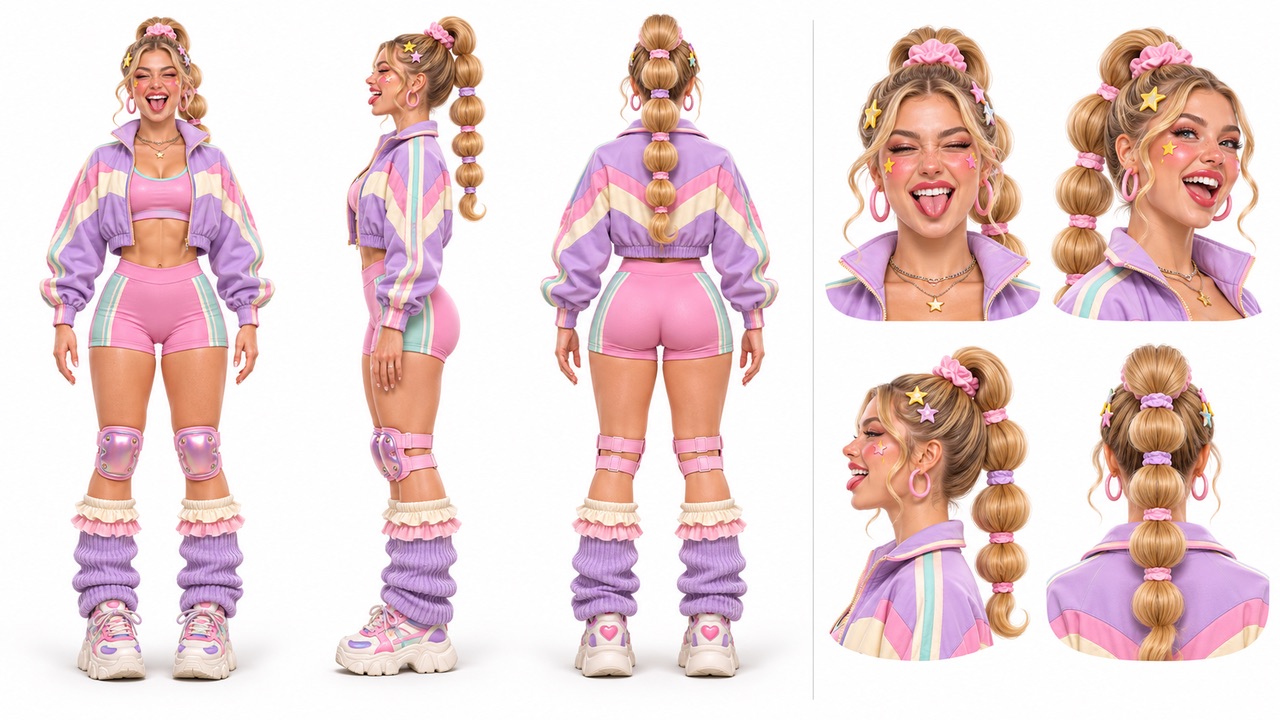
Each official SeeAPI example pairs a person’s photo with the dance video generated from it.
Photo and video requirements
Requires 1 clear photo in JPG, PNG or WebP, up to 10 MB each. The default is template-defined duration, 720p in 9:16; the current studio settings apply to your video.
View credit pricingHow to create
- 01
Upload a clear photo of one person.
- 02
Review the 9:16 framing and 720p resolution.
- 03
Review the displayed credit cost and create your video.
Frequently asked questions
How many photos do I need?
One clear photo is required.
Can I change the prompt or lyrics?
The template sets the choreography. Your photo supplies the dancer.
What format is the video?
The video is vertical (9:16) at 720p. Duration follows the generated clip.
Related guides
Explore video effects
Choose an effect, check its photo requirements, and start creating.
Duration and aspect ratio follow the current settings shown in the studio.
Hotel Lobby
Generate with the official SeeAPI Hotel Lobby template using two portraits, at 768P for 100 website credits. Duration follows the actual output.
2 photos · Default: 768P · Template duration · 16:9
Explore effect →24K Magic
Turn one person photo into a vertical dance video with the official SeeAPI 24K Magic template. Each 720p generation costs 100 website credits.
1 photo · Default: 720p · Template duration · 9:16
Explore effect →