
Hotel Lobby
Upload the required portraits and generate with the selected video template.
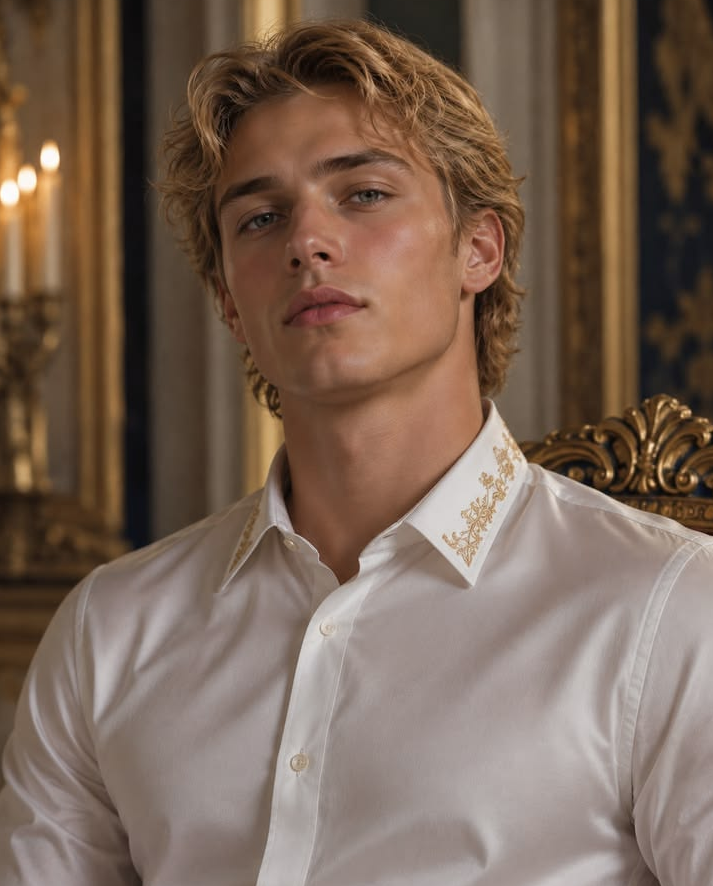
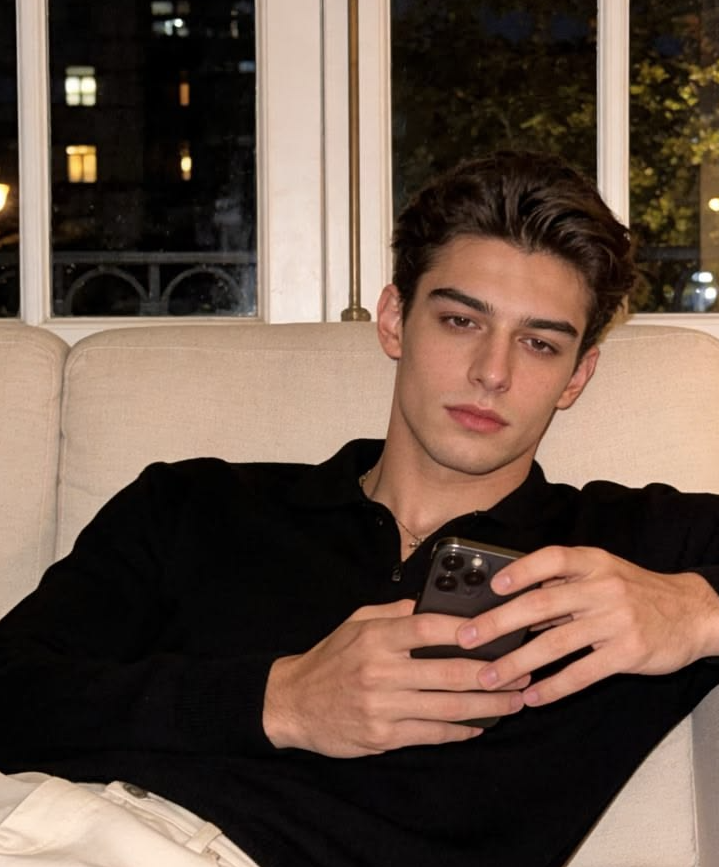
Official SeeAPI examples. Your result and duration may differ.
Explore video effects
Choose an effect, check its photo requirements, and start creating.
Duration and aspect ratio follow the current settings shown in the studio.
Hotel Lobby
Generate with the official SeeAPI Hotel Lobby template using two portraits, at 768P for 100 website credits. Duration follows the actual output.
2 photos · Default: 768P · Template duration · 16:9
Explore effect →24K Magic
Turn one person photo into a vertical dance video with the official SeeAPI 24K Magic template. Each 720p generation costs 100 website credits.
1 photo · Default: 720p · Template duration · 9:16
Explore effect →From photos to your next video
Choose an effect, add the required photos, and review your settings before generating.
Choose an effect
Choose Hotel Lobby for two performers or 24K Magic for a solo dancer. Upload one photo per person.
Add your photos
Add one clear photo for each identity. Use well-lit images with the subject easy to see.
Create your video
Review the settings and credit cost, then continue to generate. Preview and download your finished video when it is ready.
Make a stronger first take
All guidesTurn a photo into a rap video
Learn how lighting, framing and a clear portrait can improve your AI rap performance.
Read the guideFind AI rap video prompts
Learn how a written brief differs from the current fixed effects and photo references.
Read the guidePlan a lyrics-to-video workflow
Explore a separate recording and editing workflow for projects that need exact words.
Read the guideQuestions about AI rap videos
An AI rap video generator is an online tool that turns photos into short rap-style performance videos. AirapVideo1 lets you choose a scene and create a video with AI-generated vocals and music.
Upload a clear photo for each performer, choose an available rap scene, and review your video settings. Then start the AI video generator to create your rap performance.
Yes. Choose a compatible two-person rap scene, upload the required photos, and generate a rap duet video.
No. The current effects use fixed prompts; the uploaded photos provide the identities.
No. AirapVideo1 handles the video generation process online. You only need to prepare your photos, select the available options, and start generation.
Yes. You can create a rap-style performance using photos of your friends and a compatible scene. Make sure you have permission to use the photos you upload.
AI rap video generation uses credits. The required amount depends on your selected settings, and the cost is displayed before generation. You can purchase additional credits on the pricing page.
Clear, well-lit photos with visible faces are a good starting point. Avoid blurry images, heavy filters, and objects covering important facial features.
You can create videos for short-form social content. Before posting, make sure you have the necessary rights to your uploaded photos and any other material you use.
If generation fails, the generation credits are returned. Check your task status and try again after resolving any reported input or service issues.